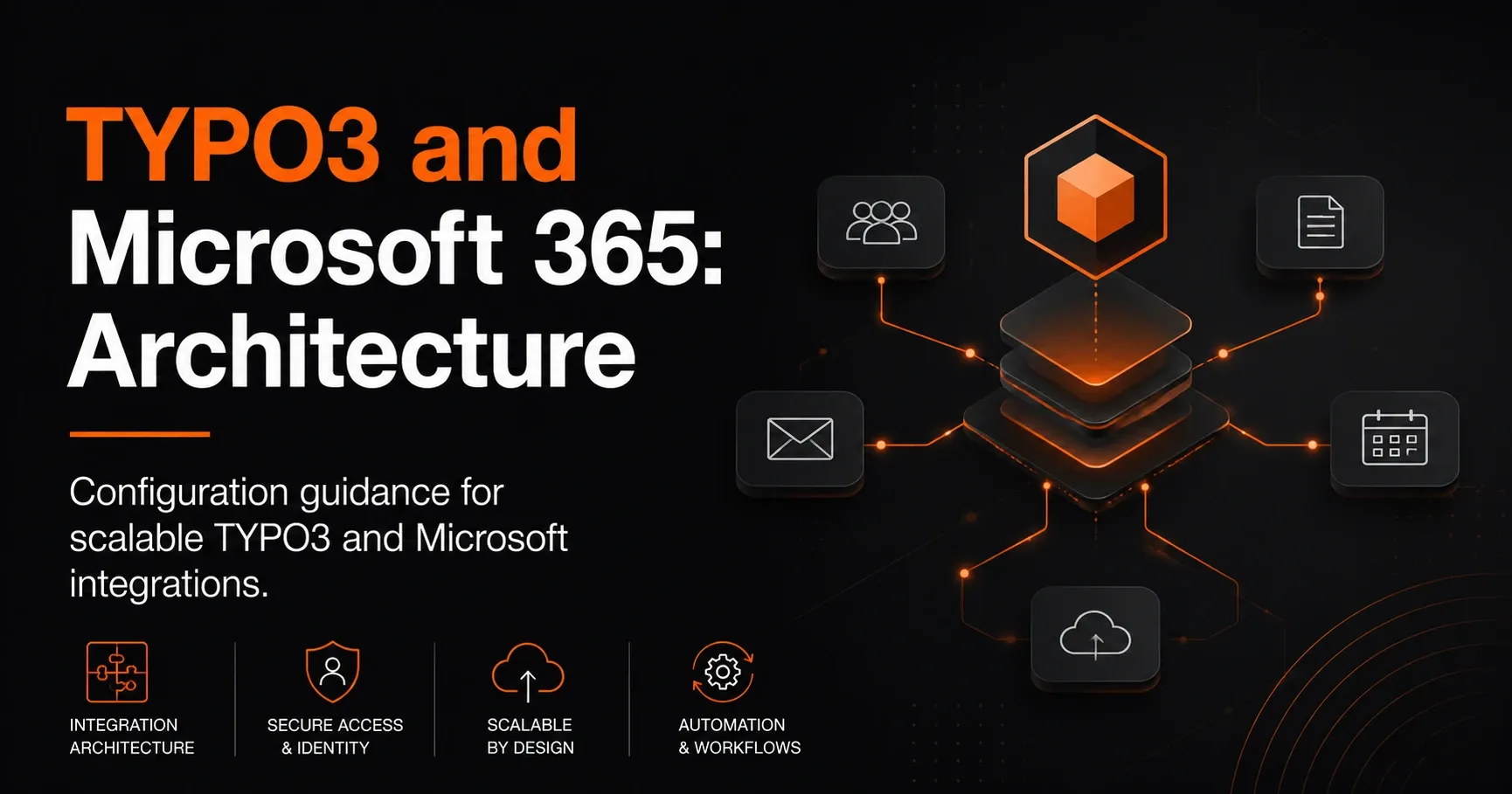
TYPO3 and Microsoft 365: Scalable Architecture for Strong Integrations
TYPO3 and Microsoft 365: Architecture for Scalable Integrations
The combination of TYPO3 and Microsoft 365 gives companies a powerful digital architecture for content management, collaboration, and process automation. While TYPO3 impresses as a flexible, scalable enterprise CMS, Microsoft 365 with SharePoint, Teams, Outlook, OneDrive, Power Automate, and Azure provides a comprehensive platform for productive work and central data flows.
However, for the integration to remain stable, secure, and performant over the long term, it needs a well-thought-out architecture. Especially with growing requirements around governance, role models, authentication, and data integration, the technical concept determines whether TYPO3 and Microsoft 365 work together efficiently or become a maintenance trap.
Why a clear architecture is important for TYPO3-Microsoft integrations
Many companies start with individual functions such as single sign-on, document storage, or embedding Microsoft content in TYPO3. But more complex requirements quickly emerge: internal portals, role and permission concepts, automated workflows, central user management, or synchronization of content between TYPO3 and Microsoft 365.
A clean TYPO3-Microsoft architecture creates the basis for scalability here. It ensures that systems do not become directly dependent on one another, but instead communicate through defined interfaces. This reduces technical debt, improves maintainability, and makes future extensions easier.
Typical goals of a modern integration architecture
A well-planned solution for TYPO3 and Microsoft 365 usually pursues several goals at the same time:
It should centrally manage content, authenticate users conveniently, automate processes, and provide information across systems. At the same time, data protection, permissions, and performance must be taken into account. Especially in larger organizations, it is important that business units and IT departments can build on a stable, documented architecture.
Core building blocks of the TYPO3-Microsoft architecture
The technical architecture for TYPO3 and Microsoft 365 usually consists of several layers. These include the frontend in TYPO3, integration components, Microsoft services, and a secure identity and authorization layer.
1. TYPO3 as the central content and experience platform
TYPO3 takes on the role of the publishing system. Websites, portals, landing pages, and structured content are maintained here. As an enterprise CMS, TYPO3 is particularly well suited when multilingual websites, complex workflows, or custom extensions are required.
In a Microsoft integration, TYPO3 is often used as the frontend for employees, partners, or customers. It offers the possibility to integrate Microsoft services, display content from SharePoint, or use user accounts from Microsoft Entra ID.
2. Microsoft 365 as a collaboration and data platform
Microsoft 365 often forms the backbone for document management, communication, and automated business processes. SharePoint serves as the content repository, Teams as the collaboration hub, Outlook for notifications, and Power Automate for workflows. Azure and Microsoft Graph expand the possibilities for authentication, APIs, and integration.
In a scalable architecture, these services should not be viewed in isolation. Instead, they are planned as building blocks of a platform ecosystem connected to TYPO3 through standardized interfaces.
3. Integration layer between TYPO3 and Microsoft 365
The integration layer is the heart of the architecture. It ensures that data, identities, and processes flow in a controlled way between TYPO3 and Microsoft 365. Depending on the scenario, REST APIs, Microsoft Graph, middleware, iPaaS platforms, or custom TYPO3 extensions are used.
This layer should be as loosely coupled as possible. Direct system interdependencies may be quick to implement in the short term, but they cause high operating costs in the long run. A clear integration layer makes monitoring, error handling, and later adjustments easier.
Recommended architecture principles for scalable integrations
A robust TYPO3-Microsoft integration follows proven architecture principles. These help reduce technical and organizational complexity.
Loose coupling instead of direct dependencies
TYPO3 should not depend directly on internal Microsoft structures that can change frequently. Instead, a modeled data flow via interfaces, middleware, or defined APIs is recommended. This allows individual components to be replaced or extended without endangering the overall system.
API-first approach
An API-first approach is especially useful when TYPO3 and Microsoft 365 need to exchange data or integrate services. APIs create standardized communication paths and enable integration with other systems such as ERP, CRM, or DAM.
For Microsoft integrations, the Microsoft Graph API is often the central entry point. Through it, TYPO3 can consume user information, calendar data, group memberships, or documents from Microsoft 365, provided permissions and governance are implemented properly.
Define a Single Source of Truth
A key architectural question is: which system is authoritative for which data? For example, Microsoft 365 can be the leading source for user and group data, while TYPO3 remains the leading source for editorial website content.
This separation prevents conflicts and duplicates. It also ensures that business units know clearly where content is maintained and which systems merely reference or display information.
Security by design
When integrating TYPO3 and Microsoft 365, security aspects must be considered from the start. These include authentication, authorization, encryption, logging, and data protection. Especially when personal data or internal documents are involved, a precise role and permission architecture is essential.
Authentication and single sign-on with Microsoft Entra ID
A common goal in TYPO3-Microsoft integrations is centralized login via Microsoft Entra ID, formerly Azure Active Directory. Single sign-on improves the user experience and reduces administrative effort because user accounts can be managed centrally.
Benefits of SSO in TYPO3
With single sign-on, users log in once and can then access TYPO3 and connected Microsoft services. This increases adoption, reduces password issues, and makes it easier to use internal portals or protected areas.
For companies with multiple locations or international teams, SSO is an important part of a modern identity architecture.
Recommended technical implementation
In practice, OpenID Connect or SAML is often used, depending on the security and compatibility requirements. TYPO3 can be connected to Microsoft Entra ID via suitable extensions or custom adaptations.
It is important that roles, groups, and permissions are mapped clearly. Not every Entra ID group should automatically grant TYPO3 access. A clean permissions model protects against unintended access and makes maintenance easier.
Document and content integration between TYPO3 and SharePoint
One of the most common integrations involves documents and content from SharePoint. Companies often want to display or link files, lists, or knowledge content from Microsoft 365 in TYPO3. There are various integration patterns for this.
Display documents directly in TYPO3
TYPO3 can display documents from SharePoint via links, embeds, or API-based representations. This approach is suitable for portals where content should be centrally curated without storing documents redundantly.
A benefit is that SharePoint remains the leading repository. TYPO3 acts as the presentation layer and controls access through defined permissions.
Synchronize lists, libraries, and metadata
For structured data such as forms, knowledge articles, or downloads, synchronization can be useful. Metadata from SharePoint is transferred to TYPO3 so that content is easier to filter, search, and use editorially.
Here it is important to decide clearly whether synchronization is one-way or bidirectional. Bidirectional processes are more complex and should only be used when they are truly required for business reasons.
Workflows and automation with Power Automate
Microsoft Power Automate is a powerful tool when it comes to process automation between TYPO3 and Microsoft 365. Approval workflows, notifications, content approvals, or document processing can be designed efficiently this way.
Typical use cases for automation
An editorial approval process can, for example, be structured so that new content is created in TYPO3, reviewed through a workflow, and then reported via Power Automate to Microsoft Teams or Outlook. Automatic filing of form submissions in SharePoint or forwarding them to business departments is also possible.
Such processes increase efficiency and reduce manual steps. At the same time, they improve traceability because each step can be documented.
Architecture note for workflows
Automations should not be embedded directly into the website logic. Instead, a clearly separated process layer is recommended. TYPO3 passes events to the workflow, Microsoft 365 processes them, and reports the results back. This keeps the architecture modular and maintainable.
Scalability, performance, and operations
A successful TYPO3-Microsoft integration must not only be functionally convincing, but also remain stable under load. Especially with large portals, many users, or frequent API calls, performance and operations concepts are crucial.
Use caching strategies consistently
TYPO3 offers strong caching capabilities that should be used sensibly[2] in integration scenarios. Content from Microsoft 365 should not be queried live on every page view if this is not necessary. Instead, cached data with defined update intervals can be used.
This reduces response times and relieves pressure on Microsoft APIs. Especially on frequently visited pages or personalized dashboards, intelligent cache design is essential.
Prefer asynchronous processing
When integrations involve large amounts of data or time-consuming processes, asynchronous processing is usually the better choice. This means TYPO3 or middleware processes tasks in the background instead of blocking user requests directly.
This architecture improves the user experience and increases stability during peak loads.
Monitoring and error analysis
For live operations, logging, monitoring, and alerting should be planned from the start. API errors, authentication issues, or timeouts must be detected quickly so support teams can respond.
Central monitoring for TYPO3 and Microsoft 365 helps identify root causes faster and secure integration quality in the long term.
Model governance and permissions cleanly
The larger the organization, the more important clear governance becomes. This applies to both TYPO3 and Microsoft 365. Without defined responsibilities, duplicate content, unclear rights, or confusing workflows quickly arise.
Define role models
It should be precisely defined which user groups maintain content in TYPO3, which information from Microsoft 365 may be displayed, and who administers integrations. Role models help make responsibilities transparent and minimize security risks.
Consider data protection and compliance
When processing personal data, GDPR, retention periods, and permission concepts must be observed.[1] If TYPO3 exchanges data with Microsoft 365, access rights, logging, and data minimization in particular must be implemented properly.
Typical architecture patterns for TYPO3 and Microsoft 365
Depending on the use case, different architecture patterns may make sense. Not every integration needs to be equally complex. The choice depends on goals, volume, security requirements, and the degree of automation.
Pattern 1: TYPO3 as frontend, Microsoft 365 as backend
This pattern is suitable for portals that display content from SharePoint or Microsoft services. TYPO3 handles presentation and navigation, while Microsoft 365 provides the data and documents.
Pattern 2: Central identity service with Entra ID
Here, authentication is the focus. Users log in centrally and access different systems. This pattern is ideal for intranets, extranets, or internal self-service portals.
Pattern 3: Middleware-driven integration
When multiple systems communicate with each other, middleware is often the best choice. It decouples TYPO3 from Microsoft 365 and other business applications, handles transformation logic, and simplifies orchestration.
Pattern 4: Event-based automation
For process-heavy scenarios, an event-based architecture can be useful. Events from TYPO3 trigger actions in Microsoft 365 or vice versa. This is particularly helpful for notifications, approvals, or data synchronization.
Best practices for implementation
To ensure the integration of TYPO3 and Microsoft 365 is sustainably successful, a few best practices should be observed.
Conduct architecture workshops early
Before technical implementation, business departments, IT, data protection, and editorial teams should jointly define requirements and system boundaries. This leads to realistic solutions with clear responsibilities.
Build extensions instead of monoliths
Custom functions should, where possible, be implemented as modular TYPO3 extensions or separate integration services. This improves maintainability and allows for later expansion.
Document API usage
All Microsoft APIs used, authentication paths, data models, and synchronization rules should be documented. This greatly simplifies operations, support, and further development.
Use test environments
Development, test, and production environments are especially important with Microsoft 365. This allows changes to integrations, permissions, or workflows to be safely validated before going live.
Conclusion: TYPO3 and Microsoft 365 as a powerful enterprise architecture
A well-designed TYPO3 and Microsoft 365 architecture is the foundation for modern digital platforms. When authentication, data flows, workflows, and governance are carefully planned, a scalable solution emerges that supports both editorial requirements and business processes.
TYPO3 provides the flexibility for custom web and portal experiences, while Microsoft 365 delivers strong infrastructure for collaboration, document management, and process automation. The key is to connect both worlds through a clean integration architecture.
Anyone who strategically combines TYPO3 with Microsoft 365 is creating not just a technically stable solution, but also a future-proof digital platform for employees, partners, and customers.
Further reading
- TYPO3 and Managed Identities: Secure Architecture for Microsoft Integrations
- TYPO3 and Microsoft 365: How to Successfully Integrate Them in Your Company
- TYPO3 and Microsoft Viva: Architecture for the Digital Workplace
- TYPO3 and Azure: Secure Architecture for Modern Document Management
Sources and references
- EUR-Lex: Regulation (EU) 2016/679 (General Data Protection Regulation) (accessed 2 October 2026)
- TYPO3 Documentation: Caching framework (accessed 2 October 2026)