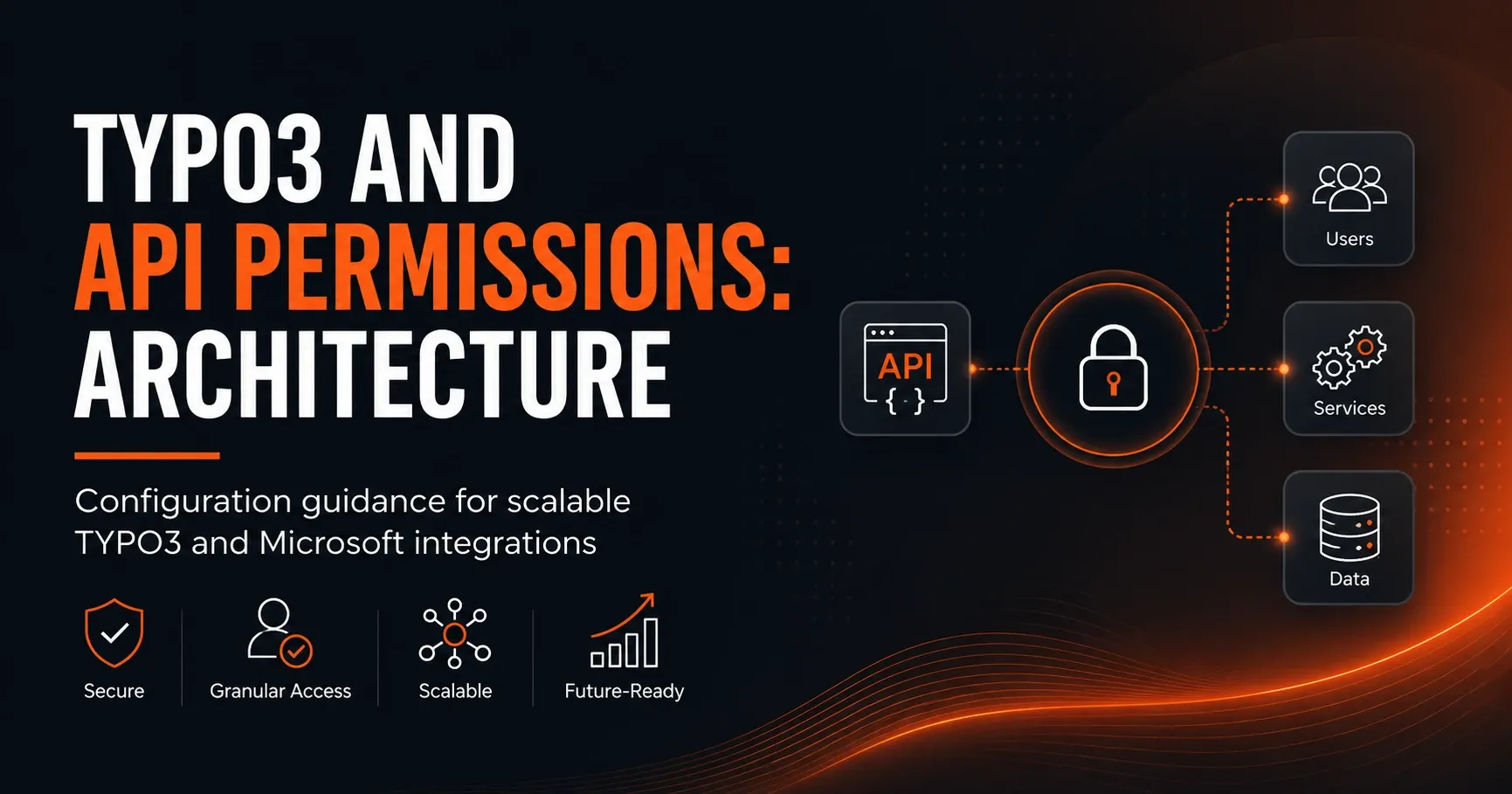
TYPO3 and Microsoft APIs: implementing API permissions with a clean architecture
TYPO3 and API Permissions: Architecture
The connection of TYPO3 with Microsoft APIs is a central building block of modern digital architectures for many companies. Whether Microsoft Graph, Azure Active Directory, SharePoint, Teams, or OneDrive – as soon as TYPO3 is to retrieve, process, or synchronize data from Microsoft systems, API Permissions play a decisive role. A clean architecture not only ensures security, but also scalability, maintainability, and clear responsibilities.
In this article, you will get a practical overview of how to architect TYPO3 and Microsoft integrations sensibly, which permission models are relevant, and how to establish robust Configuration Guidance for scalable integrations.
Why API Permissions are so important for TYPO3 integrations
API Permissions determine which data and functions an application may access. In TYPO3-Microsoft integrations, this is especially relevant because sensitive information from enterprise environments is often processed. This includes user data, group memberships, documents, calendar entries, or communication data.
Without a well-thought-out permission concept, problems such as overly broad access rights, insecure token usage, missing tenant separation, or hard-to-maintain configurations quickly arise. A good architecture for API Permissions reduces these risks and at the same time supports reliable integrations in production environments.
Typical use cases in TYPO3 and Microsoft
Typical scenarios in which API Permissions are needed include:
• User and group synchronization from Microsoft Entra ID
• Access to files from SharePoint or OneDrive
• Integration of Microsoft 365 data into TYPO3 frontend modules
• Automated workflows via Microsoft Graph APIs
• Display of Teams or calendar information on TYPO3-based portals
Architecture fundamentals for scalable TYPO3 Microsoft integrations
A scalable architecture starts with a clear separation of responsibilities. TYPO3 should not access Microsoft APIs directly and uncontrolled, but should work through defined integration layers, services, and configuration mechanisms. This makes the application easier to test, more secure, and easier to extend.
Recommended architecture model
For many projects, a layered model is suitable:
1. TYPO3 frontend or backend as the user interface
2. Service layer for business logic and API communication
3. Auth layer for token handling, consent, and permission management
4. Microsoft API layer as the external interface to Graph, SharePoint, or other services
This model not only simplifies maintenance, but also scaling across multiple integration scenarios. When additional Microsoft services are added later, the entire system does not need to be rebuilt.
Why decoupling is crucial
Direct API calls from arbitrary TYPO3 controllers or ViewHelpers often lead to technical sprawl. It is better to bundle integrations in central services. This allows authentication, logging, error handling, and permission checks to be implemented in one place. That increases transparency and minimizes security gaps.
Understanding Microsoft API Permissions: Delegated and Application Permissions
In Microsoft integrations, the permission model is usually tied to Microsoft Entra ID. There, a distinction is made primarily between Delegated Permissions and Application Permissions. This distinction is essential for TYPO3 architecture.
Delegated Permissions
Delegated Permissions are used when an application acts on behalf of a signed-in user.[1] This makes sense when TYPO3 provides personalized content or should access resources tied to the current user. The user’s rights and the app’s rights work together here.
Advantages:
• Precise permission control
• User-based access possible
• Well suited for interactive scenarios
Disadvantages:
• Depends on an active user session
• Token and consent handling is more complex
• Less suitable for background processes
Application Permissions
Application Permissions are used when TYPO3 accesses Microsoft resources as an application without a user session. This is ideal for server-to-server communication, scheduled synchronizations, or automated data processing.
Advantages:
• Suitable for background jobs and synchronization
• Independent of user login
• Stable for scalable integration scenarios
Disadvantages:
• Often broader permissions
• Higher requirements for governance and control
• Requires particularly careful security architecture
Best practices for configuring API Permissions
Good configuration starts with the principle of least privilege. This means: grant only the permissions your TYPO3 integration actually needs.[4] The more specific the API Permissions, the lower the risk of misuse or unnecessary data exposure.
Consistently apply least privilege
Avoid broad permissions such as full read or write access when a narrower scope is possible. For displaying documents, restricted access to specific sites or folders is often sufficient. For user queries, a small set of directory permissions is often enough.
Document scopes and resources clearly
Create internal documentation showing which Microsoft resources TYPO3 uses, which scopes are required for them, and in which context they are used. This transparency is especially important during audits, extensions, or later handovers to other teams.
Consider multi-tenancy
If TYPO3 is used across multiple tenants or regions, permissions should be managed tenant-specifically. A central permission model helps keep environments cleanly separated and avoid configuration errors.
TYPO3 configuration architecture for Microsoft integrations
The technical implementation in TYPO3 should be structured so that configurations are not hardcoded in the codebase. Instead, a flexible approach with TypoScript, ENV variables, site configurations, and backend modules for administrative settings is recommended.
Separate configuration by environment
Development, test, and production environments should each use their own app registrations, credentials, and scopes. This prevents test access from reaching production data paths or production permissions from accidentally ending up in insecure environments.
Recommended separation:
• Local: Development access with dummy or sandbox data
• Staging: Realistic test configurations with restricted permissions
• Production: Strictly controlled permissions and monitoring
Store secrets securely
Client secrets, certificates, or other credentials should never be stored in the repository.[3] Instead, use environment variables, secret stores, or secure deployment pipelines. For Microsoft integrations, a certificate-based approach is often more robust than simple secrets, especially in scalable server-to-server scenarios.
Encapsulate token management cleanly
The logic for retrieving, refreshing, and validating tokens belongs in a dedicated service layer. TYPO3 should access the functionality only through a clear interface. This makes it possible to replace authentication mechanisms as needed without modifying the entire application.
Security architecture for TYPO3 and Microsoft APIs
Security in API Permissions is not just a technical detail, but an architecture issue. Especially for enterprise integrations, the entire chain from authentication through authorization to logging must be traceable.
Important security measures
• Use HTTPS for all API communications
• Minimize scopes and roles
• Regularly rotate secrets and certificates
• Central logging with protection of sensitive data
• Error handling without exposing internal information
• Access to administrative configurations only for authorized roles
Auditability and traceability
Especially in regulated industries, it is important to be able to trace who accessed which Microsoft resources and when. TYPO3 should log relevant events, such as successful and failed token requests, API errors, or changes to permissions. Personal data must be handled in compliance with data protection requirements.
Scaling and maintainability in complex integration landscapes
The more systems are connected, the more important a clear integration architecture becomes. In many projects, TYPO3 acts as a content hub or service portal. To ensure the solution remains scalable in the long term, interfaces should be standardized and reusable.
Reusable services instead of individual implementations
If multiple TYPO3 modules access Microsoft data, a shared integration service should be used. This can provide central functions such as authentication, request handling, error retries, and caching. That reduces duplication and improves stability.
Caching and performance
API calls to Microsoft services are not only security-relevant, but also performance-critical. Frequently used data such as user profiles, group assignments, or document metadata should be cached sensibly. This reduces latency and conserves API limits.
Good caching strategies consider:
• Expiration times appropriate to the nature of the data
• Invalidation when changes occur
• Separation of public and sensitive data
• Avoidance of unnecessary real-time queries
Practical governance for API Permissions
A scalable TYPO3-Microsoft architecture needs not only technology, but also governance. This concerns responsibilities, approval processes, and regular reviews. Who may request new permissions? Who checks whether they are necessary? How are changes documented? Such questions should be answered before go-live.
Recommended governance rules
• Every permission needs a business owner
• Changes to scopes must be documented and approved
• Regular reviews of permissions and app registrations
• Use of a central repository for configuration standards
• Monitoring for unexpected permission expansions
Consent management in enterprise environments
Especially with Microsoft Entra ID, consent management is an important part of the architecture. Depending on the scenario, admin consent may be required.[2] TYPO3 projects should therefore clarify early which permissions can be confirmed by the user themselves and which must be approved by administrators.
Typical mistakes in TYPO3 Microsoft integrations
Many integration problems do not arise from the API itself, but from unclear architectural decisions. The most common mistakes include overly broad permissions, missing separation of environments, uncontrolled token processing, and missing error logging.
Common pitfalls
• Permissions are hardcoded directly in the code
• Production and test environments use the same app registration
• Caching and token lifetime are not aligned
• API errors are handled unstructured
• Permissions are not reviewed regularly
Anyone who addresses these points early will significantly reduce later refactoring costs.
Recommended target architecture for TYPO3 and Microsoft Permissions
A future-proof target architecture combines security, modularity, and operability. TYPO3 should act as the central content and integration hub, while Microsoft services are connected through clearly defined APIs. Authentication, authorization, and configuration should be organized in separate layers.
The most important architecture principles at a glance
• Minimal privilege: grant only the necessary API Permissions
• Separation of concerns: separate auth, logic, and UI
• Environment awareness: different configurations per environment
• Security by design: manage secrets and tokens securely
• Observability: integrate logging, monitoring, and audit trails
• Scalability: reuse services and optimize API usage
Conclusion: Strong architecture makes TYPO3-Microsoft integrations sustainable
The combination of TYPO3 and Microsoft APIs offers enormous potential for digital enterprise solutions. For these integrations to work securely and at scale, API Permissions must be considered architecturally from the start. A clear separation of responsibilities, a clean permission approach, and a flexible configuration strategy are the foundation for stable, maintainable, and future-proof solutions.
Those who connect TYPO3 and Microsoft not only technically, but consciously plan them architecturally, create the basis for efficient processes, high security, and long-term extensibility. That is exactly the key to successful TYPO3 Microsoft integrations in modern enterprise environments.
Further reading
- TYPO3 and Microsoft Graph API: Architecture for Smart Editorial Processes
- TYPO3 and Graph API: Security Check for Microsoft 365 Publishing
- TYPO3 and Conditional Access: The Right Architecture for Enterprise Deployments
- TYPO3 and Single Sign-On: The Right Architecture for Microsoft Environments
Sources and references
- Microsoft Learn: Permissions and consent in the Microsoft identity platform (accessed 2 October 2026)
- Microsoft Learn: Permissions and consent in the Microsoft identity platform (accessed 2 October 2026)
- OWASP: Secrets Management Cheat Sheet (accessed 2 October 2026)
- OWASP: Authorization Cheat Sheet (accessed 2 October 2026)