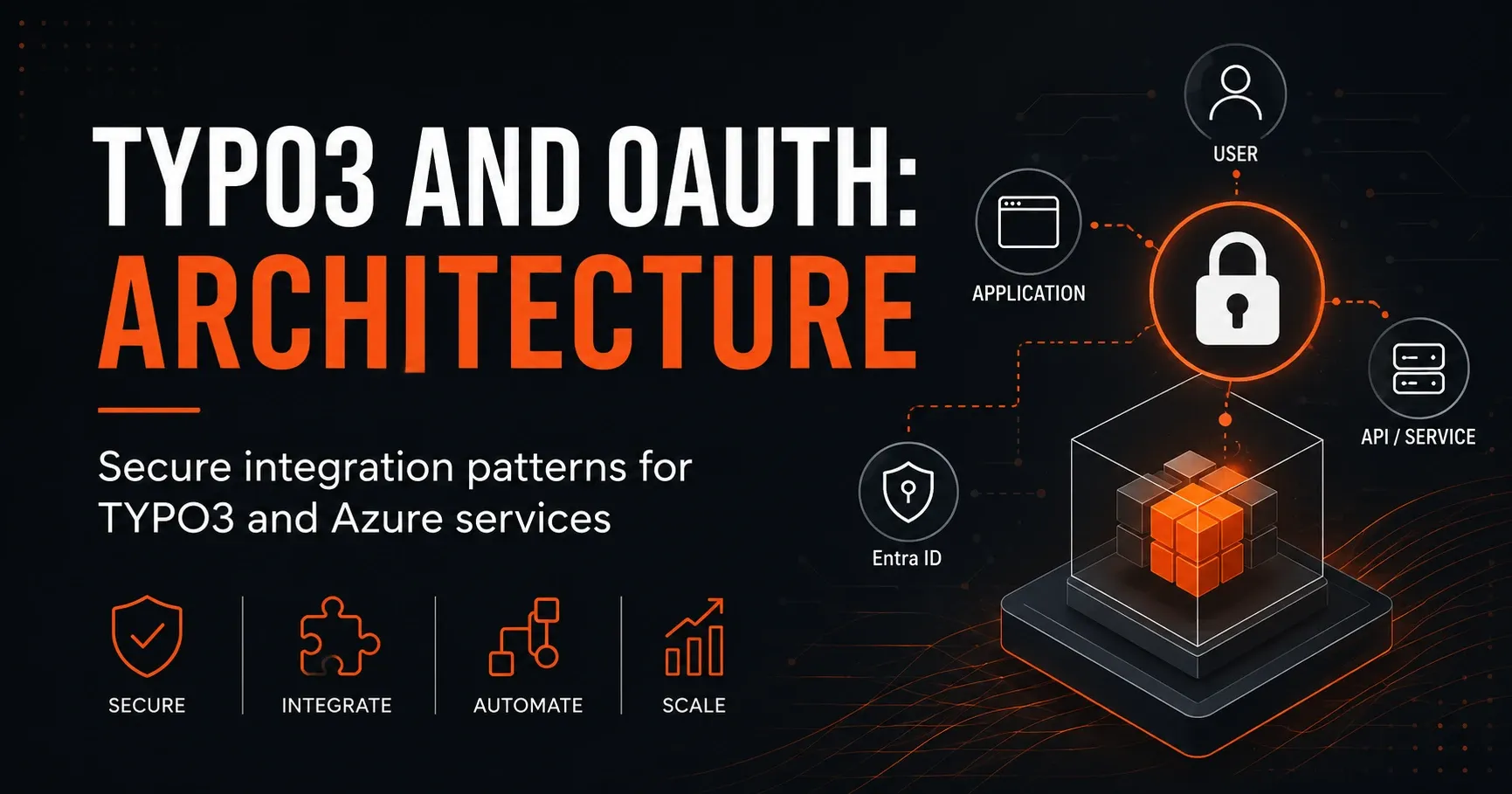
TYPO3 and OAuth: Building Secure Azure Integrations the Right Way
TYPO3 and OAuth: Architecture for Secure Integrations with Azure Services
The combination of TYPO3 and OAuth is a powerful foundation for modern, secure, and scalable web architectures. Especially in enterprise environments with Microsoft Azure, Microsoft 365, or other cloud services, the clean integration of authentication and authorization plays a central role. Anyone operating TYPO3 as a CMS while also connecting Azure services needs a robust architecture that combines security, maintainability, and usability.
In this article, we look at typical integration patterns for TYPO3 and Azure, explain the role of OAuth 2.0 and OpenID Connect, and show how single sign-on, API access, and server-side workflows can be implemented securely. The focus is on a practical TYPO3 Microsoft architecture that is suitable for both intranet solutions and public websites and portals.
Why OAuth is important for TYPO3 with Azure
TYPO3 is a flexible enterprise CMS that can be easily integrated into existing IT landscapes. However, as soon as external identity providers, APIs, or cloud services are involved, complexity increases. This is exactly where OAuth comes in: the protocol enables controlled access to resources without requiring user passwords to be passed directly to TYPO3 or third parties.
In Azure environments, OAuth is usually closely tied to Azure Active Directory or Microsoft Entra ID. This makes it possible to authenticate users, assign roles, and control access to protected resources. For TYPO3, this means, among other things:
Single sign-on for editors, employees, or partners
Secure API communication with Azure Functions, Microsoft Graph, or internal services
Central identity management instead of local user accounts
Fine-grained authorization via roles, groups, and claims
Fundamentals: OAuth 2.0 and OpenID Connect in TYPO3 architectures
For TYPO3 projects, it is important to understand the differences between OAuth 2.0 and OpenID Connect. OAuth 2.0 is primarily an authorization protocol. It regulates how an application gains access to a resource. OpenID Connect extends OAuth with an identity layer and enables secure user authentication.[1]
OAuth 2.0
OAuth 2.0 is used when TYPO3 needs to access protected resources, such as an Azure API, an internal microservice, or Microsoft Graph. Typical examples include:
TYPO3 retrieves data from an Azure Function
A form sends information to a protected API
A backend module reads organizational data from Microsoft 365
OpenID Connect
OpenID Connect is used when users should log in to TYPO3 with a Microsoft account or a corporate account. In this case, TYPO3 receives not only an access token, but also identity information such as name, email address, or group memberships.
For many TYPO3 Microsoft integrations, OpenID Connect is the preferred choice because it is ideal for login scenarios and integrates seamlessly into modern identity platforms like Microsoft Entra ID.
Typical architecture building blocks for TYPO3 and Azure
A secure integration between TYPO3 and Azure usually consists of several layers. Each layer serves a clearly defined purpose and reduces security risks.
1. TYPO3 as presentation and management platform
TYPO3 takes on the role of the CMS, the editorial interface, and often also the delivery of portal content. Depending on the project, TYPO3 can:
publish public content
offer protected user areas
send forms to external systems
display data from cloud or on-premises services
2. Microsoft Entra ID as identity provider
In many architectures, Microsoft Entra ID serves as the central identity provider. Users are authenticated here, groups are managed, and access tokens are issued. TYPO3 must be correctly configured against the identity provider to ensure secure login processes and token handling.
3. Azure APIs and backend services
Azure Functions, App Services, Logic Apps, or custom APIs provide the actual data and business processes. These services should never be exposed without protection, but should instead work exclusively with validated tokens and clearly defined permissions.
4. Secure communication layer
Only encrypted connections via HTTPS should be used between TYPO3 and Azure.[3] In addition, token checks, signature validation, and, where necessary, IP or network restrictions are used.
Architecture patterns for secure TYPO3 Microsoft integrations
Depending on the use case, different integration patterns make sense. The choice of pattern significantly affects security, maintainability, and performance.
Pattern 1: Single sign-on with OpenID Connect
If employees, editors, or external users should log in to TYPO3 with their Microsoft account, OpenID Connect is the right pattern. TYPO3 acts as a relying party and delegates authentication to Entra ID.
Advantages:
Central user management
Fewer passwords and lower security risk
Consistent login experience
Easier deactivation and access control
Important: Role and permission assignment should not be based solely on the login. TYPO3 needs a clean mapping between claims, groups, and backend permissions.
Pattern 2: Server-to-server communication with client credentials flow
For backend integrations where TYPO3 accesses Azure resources without user interaction, the client credentials flow is often the best choice. TYPO3 authenticates with a client ID and a secret or certificate against Entra ID and receives an access token for the API.[2]
This pattern is suitable, for example, for:
retrieving master data from an internal Azure API
synchronizing content or metadata
reading documents from protected services
automated editorial processes
It is especially important here that secrets are not stored in the source code. Instead, Azure Key Vault, environment variables, or deployment pipelines with secret management should be used.
Pattern 3: User-delegated access to Microsoft Graph
Sometimes TYPO3 should access Microsoft Graph on behalf of a logged-in user, for example to display profile information, group data, or calendar data. In this case, a delegated OAuth flow is used.
This pattern is powerful, but security-critical. TYPO3 must carefully control which permissions are requested and which data is actually needed. The principle of least privilege should be followed consistently.
Pattern 4: External processing via Azure Functions or Logic Apps
Instead of implementing complex integrations directly in TYPO3, TYPO3 can pass data to Azure Functions or Logic Apps. These services then take over the actual processing, validation, or orchestration.
Advantages of this approach:
decoupling of CMS and business logic
better scalability
easier reuse of integrations
reduced complexity in TYPO3
Especially for larger TYPO3 Azure architectures, this pattern is often the most stable and maintainable long-term solution.
Security requirements for TYPO3 and OAuth
A modern OAuth architecture is only secure when several protective mechanisms work together. These include both technical and organizational measures.
Handle tokens securely
Access tokens, ID tokens, and refresh tokens should always be treated with care. They should not end up in logs, error messages, or browser storage if it can be avoided. For backend integrations, server-side token handling should be preferred.
Reduce scopes and permissions
Request only the permissions that are truly needed. Excessive scope requirements increase the attack surface and make audits more difficult. For TYPO3 projects, this means precisely defining which API resources or Microsoft Graph permissions are necessary.
Validate claims
When TYPO3 authenticates users via OpenID Connect, the claims must be carefully checked. These include, among others:
Issuer
Audience
Expiry
Nonce
Group or role claims
Only when this data is properly validated is secure and trustworthy authentication ensured.
Manage secrets and certificates professionally
Client secrets are functional, but in production environments the use of certificates is often the better choice. They provide stronger protection and can be controlled more effectively. In Azure setups, the use of Key Vault is also recommended to manage key material centrally.
Least privilege and conditional access
Using Conditional Access in Microsoft Entra ID can create additional security barriers, such as MFA, location rules, or device compliance. Combined with the principle of least privilege, this creates a significantly stronger security posture for TYPO3 applications.
TYPO3 backend login with Microsoft Entra ID
A common use case is the login of editors and administrators in the TYPO3 backend via Microsoft Entra ID. This simplifies user management and reduces the need for separate TYPO3 passwords.
Important points for implementation are:
clear separation between frontend and backend authentication
defined mapping rules for TYPO3 backend groups
protection against unauthorized accounts and guest users
regular review of group memberships
In many companies, it makes sense to allow access to the TYPO3 backend only for certain Entra groups. This keeps administration controllable and auditable.
TYPO3 as an OAuth client for external APIs
TYPO3 can not only serve as a login target, but also act as an OAuth client itself. This is especially relevant when content is loaded dynamically from external systems. For example, a TYPO3 page can retrieve and display current data from an Azure service.
In such an architecture, TYPO3 should:
request and manage tokens server-side
perform API calls as asynchronously or cached as possible
handle error cases cleanly
control token expiration and renewal
For high-performance websites, it is advisable not to reload external data on every page request, but to synchronize it via a cache or a scheduled job.
Best practices for a robust TYPO3 Azure architecture
Anyone connecting TYPO3 and Azure professionally should follow a number of best practices. These improve security, reduce failure risks, and enhance maintainability.
1. Clear separation of authentication and authorization
User login only answers the question of who the user is. The actual permission check should be separate. TYPO3 should therefore not blindly accept user information, but should map roles and permissions in a targeted way.
2. Provide APIs only through secured endpoints
Azure APIs should be reachable only through secure endpoints. In addition, API Management, firewall rules, or private networks can be used. The more sensitive the data, the stricter the network design should be.
3. Logging without sensitive data
Logs are important for operations and error analysis, but must not contain tokens, passwords, or personal data. A clean logging strategy helps avoid security incidents while ensuring traceability.
4. Plan token lifetime deliberately
Short-lived access tokens reduce the risk in the event of compromised credentials. Refresh tokens should only be used where they are really necessary. For server-side integrations, controlled token re-acquisition is often the better choice.
5. Define multi-tenant and permission concepts early
Especially for portals with multiple user groups or business units, it is important to define the permission concept early. Azure groups, TYPO3 backend groups, and API roles must be aligned carefully.
Common mistakes in TYPO3 and OAuth integrations
In practice, security problems often arise from avoidable configuration errors or unclear responsibilities.
Too broad permissions
A typical mistake is granting too many scopes or roles. This may simplify the initial implementation, but it makes later hardening and auditing much more difficult.
Secrets in source code
Client secrets should never be hardcoded in extensions or repositories.[5] Instead, secure environment variables, Key Vault, or secret stores should be used.
Poor token validation
A token must not only be “present” but also fully validated. Missing checks for signature, audience, or expiration open the door to attacks.[4]
Direct coupling of TYPO3 to business logic
When complex domain logic is implemented directly in TYPO3 extensions, maintenance effort and error susceptibility increase. A clear decoupling via Azure services is often better.
When each integration strategy is worthwhile
The right architecture depends heavily on the use case. A simple rule of thumb is:
OpenID Connect for user login and SSO
Client Credentials for server-side API access
Delegated access for user-specific Microsoft Graph scenarios
Azure Functions or Logic Apps for complex integrations and orchestration
When TYPO3 is embedded in a larger Microsoft environment, the entire architecture should be considered holistically from the start. This applies not only to authentication, but also to data flows, permissions, monitoring, and deployment.
Conclusion: TYPO3 and OAuth as a secure foundation for modern Azure integrations
A well-thought-out TYPO3 OAuth architecture forms the basis for secure and future-proof integrations with Azure services. Whether single sign-on, API connectivity, Microsoft Graph, or server-side workflows: with the right patterns, TYPO3 projects can be elegantly integrated into the Microsoft world.
Particularly important are a clear separation of responsibilities, the consistent use of OpenID Connect and OAuth 2.0, the principle of least privilege, and central management of secrets and tokens. Anyone who follows these fundamentals creates a stable TYPO3 Microsoft architecture that remains secure, scalable, and maintainable.
For companies that want to connect TYPO3 with Azure, now is the right time to strategically plan authentication and integration concepts. This creates solutions that are not only technically convincing, but also meet security and compliance requirements in the long term.
Further reading
- TYPO3 and Power Automate: Secure Architecture for Azure Integrations
- TYPO3 and Azure: Secure Architecture for Modern Document Management
- TYPO3 and Azure Entra ID: The Practical Guide to Secure SSO Integration
- TYPO3 and Managed Identities: Secure Architecture for Microsoft Integrations
Sources and references
- OpenID Foundation: OpenID Connect Core 1.0 (accessed 2 October 2026)
- Microsoft Learn: OAuth 2.0 client credentials flow on the Microsoft identity platform (accessed 2 October 2026)
- OWASP: Transport Layer Security Cheat Sheet (accessed 2 October 2026)
- OpenID Foundation: OpenID Connect Core 1.0 (accessed 2 October 2026)
- Microsoft Learn: Security best practices for application registration (accessed 2 October 2026)