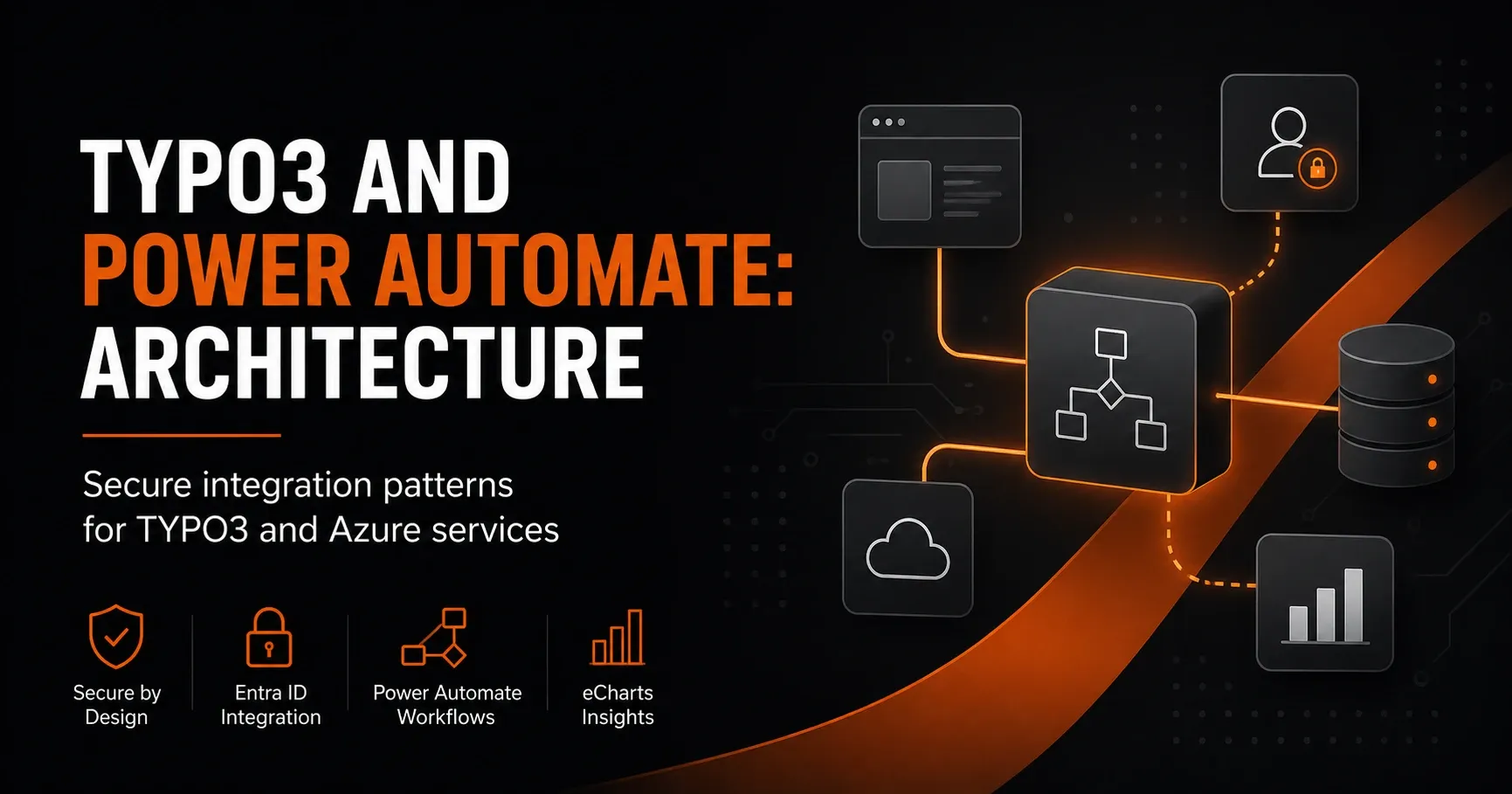
TYPO3 and Power Automate: Secure Architecture for Azure Integrations
TYPO3 and Power Automate: Architecture
Secure integration patterns for TYPO3 and Azure services
The combination of TYPO3, Microsoft Power Automate, and Azure Services opens up powerful possibilities for digital processes, automated workflows, and secure system integration. Especially for companies that want to efficiently design content management, lead management, approval processes, or data transfers between web platforms and the Microsoft ecosystem, a clean architecture is crucial.
In this article, we look at the architecture for a TYPO3-Microsoft integration with a focus on security, scalability, and maintainability. The goal is to explain proven integration patterns and show how TYPO3 works reliably together with Power Automate and Azure services.
Why a clear integration architecture matters
A direct connection between TYPO3 and Power Automate can be implemented quickly. However, for production environments, a simple approach is often not enough. Once personal data, complex business logic, or multiple target systems are involved, a robust architecture with clear interfaces, responsibilities, and security mechanisms is needed.
A good architecture for TYPO3 and Power Automate should meet the following requirements:
Core requirements
The solution must be secure, traceable, and extensible. This includes:
clean authentication and authorization, protection of sensitive data, decoupled processing, logging and monitoring, error handling, and a clear separation between frontend, backend, and integration layer.
Especially in integrations with Azure Functions, Azure API Management, Service Bus, or Logic Apps, powerful architectures emerge that can be flexibly adapted to different use cases.
Recommended reference architecture for TYPO3 and Power Automate
A practical architecture typically consists of several layers. TYPO3 serves as the content and interaction platform, while Power Automate and Azure handle process logic and system integration.
1. TYPO3 as the entry point
TYPO3 provides forms, user interactions, or editorial processes. Examples include contact forms, quote requests, event registrations, or internal approval workflows. Data is not distributed directly to multiple systems; instead, it is first passed to a secure integration layer.
2. Integration layer in Azure
For handing off to Microsoft services, an integration layer is recommended, for example via Azure API Management or an Azure Function. This layer handles validation, authentication, transformation, and logging.
3. Power Automate for process automation
Power Automate orchestrates downstream actions. These include email notifications, creating records in Microsoft Dataverse, SharePoint, or Dynamics 365, as well as approval processes and notifications in Teams.
4. Target systems and enterprise services
The target systems can vary depending on the process. Typical endpoints are Microsoft 365, SharePoint, Dataverse, Dynamics 365, SQL databases, or other SaaS and on-premises systems connected via connectors or APIs.
Secure integration patterns for TYPO3 and Azure Services
For a secure and maintainable TYPO3-Microsoft integration, certain patterns have proven particularly effective. These help minimize risks and make the solution future-proof.
Pattern 1: API-first integration
TYPO3 does not communicate directly with the target systems, but exclusively via APIs. The API is centrally secured and documented. This makes versioning, monitoring, and later extensions easier.
Advantages: clear interfaces, better testability, reusability, and separation of responsibilities.
Pattern 2: Event-driven architecture
Instead of running processes synchronously, events are created and processed in the background. A form in TYPO3, for example, triggers an event that is forwarded to Power Automate via Azure Service Bus or Event Grid.
Advantages: high scalability, decoupling, better resilience, and fast response times for the user.
Pattern 3: Middleware with Azure Functions
Azure Functions are well suited as lean middleware for validation, data enrichment, and transformation. They can check payloads, convert formats, and pass them securely to Power Automate or other services.
Advantages: serverless, flexible, cost-efficient, and ideal for targeted integration tasks.
Pattern 4: Queue-based processing
When availability and reliability are the focus, messages should be processed via a queue. Azure Service Bus or Storage Queues buffer requests if a target system is temporarily unavailable.[2]
Advantages: robust processing, retry mechanisms, decoupling of frontend and backend.
Authentication and authorization in the TYPO3-Power-Automate architecture
Security is a central topic in any integration of TYPO3 with Microsoft services. Especially important is choosing a secure authentication model between the components.
Recommended security mechanisms
For access to Azure or Microsoft APIs, modern standards should be preferred. These include OAuth 2.0, OpenID Connect, and managed identities in Azure. API keys or hardcoded credentials should be avoided whenever possible.
Managed Identity for Azure services
When Azure Functions or other Azure resources access Microsoft services, a Managed Identity is especially secure. It reduces administrative effort and prevents sensitive credentials from being stored in code.[1]
OAuth for external and internal APIs
Power Automate and Azure APIs should be secured via OAuth. This allows permissions to be controlled precisely and access to be tracked. For TYPO3, a separate service account or token-based access can be used, depending on the architecture and compliance requirements.
Data protection and compliance with TYPO3 and Power Automate
When transferring personal data, data protection and compliance must be considered from the start. TYPO3 is often used for contact forms, registrations, and inquiries that may contain personal information.
Important data protection measures
The most important measures include data minimization, encryption, access control, logging, and deletion concepts. Only the data that is truly required for the respective process should be transferred.[3]
It is also advisable not to write sensitive data to logs unencrypted. Masking and controlled permissions should also be used in Power Automate flows to avoid unintended data exposure.
Data flow between TYPO3, Power Automate, and Azure
A typical data flow looks like this: A user submits a form in TYPO3. The data is validated and passed to an Azure API or Function. There, the technical check takes place and, if necessary, the data is transformed into a target schema. Afterwards, a flow in Power Automate is triggered, which executes the actual business logic.
Example of a secure process
1. TYPO3 collects form data and performs an initial validation.
2. The data is transmitted via HTTPS to a secured Azure API.
3. The API checks authentication, schema, and plausibility.
4. The payload is passed to a queue or directly to Power Automate.
5. Power Automate processes the information and triggers follow-up actions.
6. Results or status information are optionally reported back to TYPO3 or a third-party system.
Error handling and resilience
A resilient integration architecture needs clear mechanisms for error cases. If a target system is unreachable, the process must not simply stop without being visible.
Best practices for fault tolerance
Retry strategies, dead-letter queues, centralized error logging, and status notifications are recommended. Especially with asynchronous processes, it is important to distinguish technical errors from business errors.
For example, an invalid form field can be returned directly to the user as a business error, while a timeout in the target API is recorded as a technical error in a monitoring system.
Monitoring and observability
Without monitoring, an integration remains difficult to manage. Especially for a solution with TYPO3, Power Automate, and Azure Services, important metrics and events should be monitored centrally.
What should be monitored
Relevant items include requests per minute, error rates, runtimes, queue lengths, flow runs, and API response times. Recurring errors and unusual access patterns should also be detected.
Azure Monitor, Application Insights, and the logging functions of Power Automate provide a good foundation for this. This makes it possible to identify bottlenecks early and optimize processes in a targeted way.
Typical use cases for TYPO3 and Power Automate
The architecture is suitable for a wide range of business processes. It is especially often used for automated communication and approval workflows.
Contact and lead management
Forms from TYPO3 can automatically transfer leads to Microsoft 365, Dynamics 365, or a CRM system. Afterwards, notifications are created or tasks are distributed to the responsible teams.
Content approvals and editorial workflows
TYPO3 can be connected with Power Automate for internal approval processes. Content can be reviewed and approved by departments before publication.
Event and registration processes
Participant registrations, confirmation emails, and calendar entries can be efficiently automated. Combining with Teams, Outlook, and SharePoint creates seamless workflows.
Document and notification processes
Another typical use case is the automated creation and distribution of documents. After a form submission, files can be created, archived, or forwarded to authorized persons.
Architecture decisions: when each approach makes sense
The optimal solution depends on the project requirements. Not every use case needs complex middleware, but every production integration needs clear rules.
Direct integration is suitable for
Simple scenarios with few fields, low criticality, and low complexity. Example: small notification processes without sensitive data.
Middleware or Azure Functions are suitable for
Processes with validation, transformation, security requirements, or multiple target systems. This is usually the best choice for professional TYPO3-Microsoft integrations.
Queue- and event-based architecture is suitable for
High load, failover safety, and decoupled processing. Especially useful for business-critical workflows or irregular load spikes.
Proven architecture principles for TYPO3 and Power Automate
To be successful in the long term, a few basic principles should be followed. These significantly improve maintainability, security, and extensibility of the solution.
Important principles
The architecture should be modular, documented, and testable. Interfaces should be versioned so that later changes do not break existing processes. In addition, configuration and secrets should be managed consistently outside the code.
Another important point is the separation of business and technical logic. TYPO3 should provide content and user interaction, while Azure and Power Automate handle process execution.
Conclusion: Secure and scalable integration of TYPO3 with Microsoft services
A successful TYPO3 and Power Automate architecture is based on clear integration patterns, solid security, and a clean separation of responsibilities. Those who use TYPO3 as the frontend platform, Azure as the integration layer, and Power Automate as the process engine get a flexible and future-ready solution.
Especially for companies that want to make digital workflows more efficient while meeting security and compliance requirements, this approach offers major advantages. With API-first design, event-driven processing, Azure Functions, queue processing, and clean monitoring, a robust platform for modern business processes is created.
If you are planning a secure integration pattern-based architecture for TYPO3 and Azure Services, it is worth aligning data flows, permissions, and error concepts early on. This creates a stable foundation for automated, maintainable, and scalable Microsoft integrations.
Further reading
- TYPO3 and Azure: Secure Architecture for Modern Document Management
- TYPO3 and Webhook Automation: Architecture for Microsoft Cloud Services
- TYPO3 and Power Automate: Governance Tips for Smart Automation
- TYPO3 and Microsoft Purview: Secure Architecture for Modern Cloud Governance
Sources and references
- Microsoft Learn: Managed identities for Azure resources (accessed 2 October 2026)
- Microsoft Learn: Queue-Based Load Leveling pattern (accessed 2 October 2026)
- European Union: Regulation (EU) 2016/679 (General Data Protection Regulation) (accessed 2 October 2026)