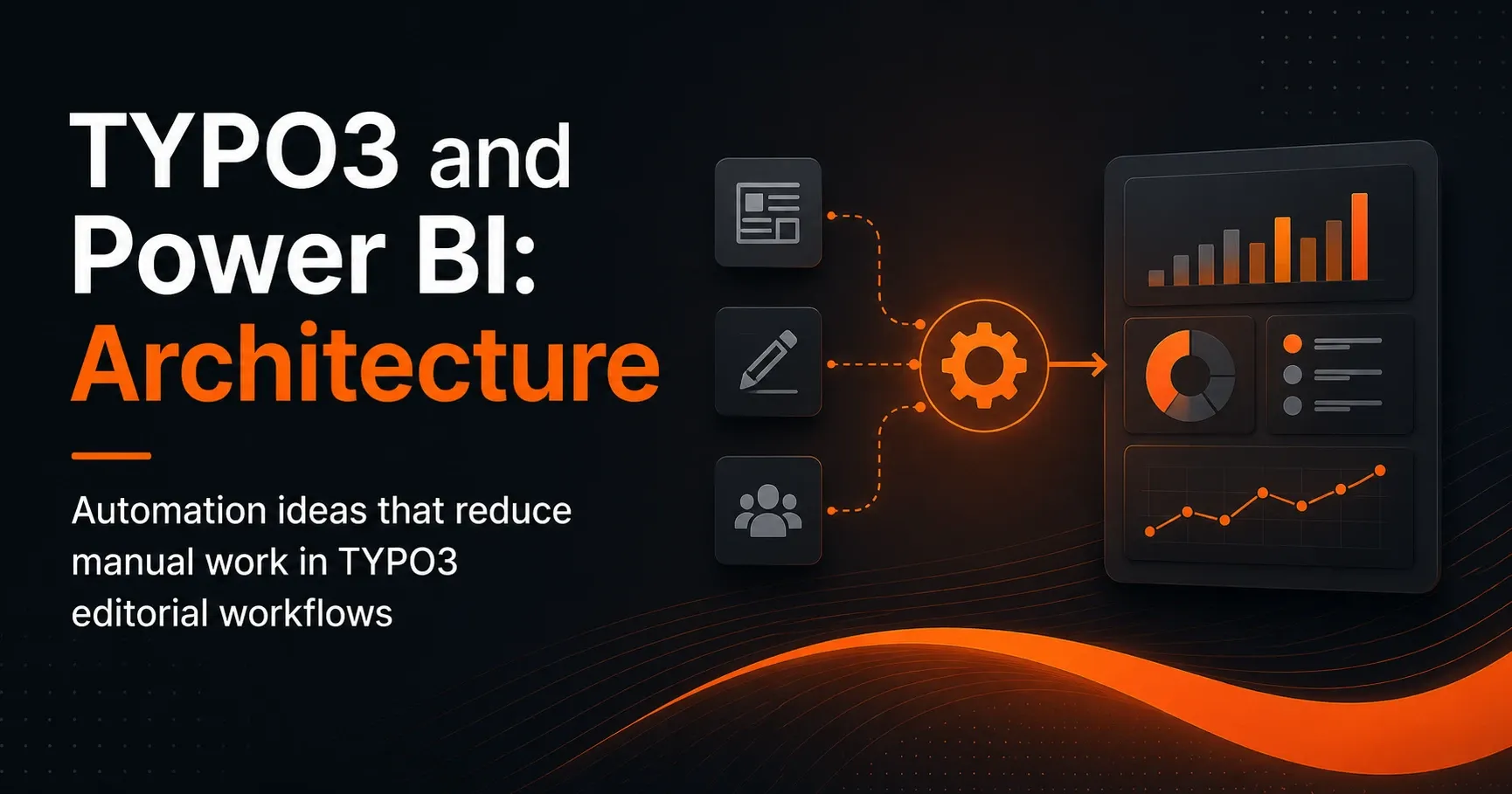
TYPO3 and Power BI: Architecture for Data-Driven Editorial Work and Reporting
TYPO3 and Power BI: Architecture for Data-Driven Editorial Work and Reporting
The combination of TYPO3 and Power BI opens up new possibilities for companies to automate editorial processes, manage content more effectively, and make decisions based on reliable data. Especially in complex content environments with many editors, approvals, translations, and regular publishing cycles, the manual effort quickly becomes significant. A well-designed TYPO3 architecture with Microsoft Power BI can address exactly this and make workflows more efficient.
This article shows what a modern architecture for typo3-microsoft scenarios can look like, which data is relevant, and which automation ideas can noticeably relieve day-to-day editorial work. The focus is on scalable interfaces, clean data flows, and practical use cases for companies that use TYPO3 as a CMS and Power BI as a reporting platform.
Why TYPO3 and Power BI fit together
As a flexible enterprise CMS, TYPO3 is particularly strong when it comes to complex website structures, multilingual setups, permissions, and custom editorial processes. Power BI, in turn, is a powerful business intelligence solution from the Microsoft ecosystem that consolidates data from many sources and presents it visually.[1]
Connecting both systems makes especially good sense when companies need more transparency about their content performance, workflows, and resources. Instead of making editorial decisions based only on intuition, teams can access metrics such as:
Page views and engagement values per content type, publishing frequency, processing times in the workflow, translation status, conversion rates, and the workload of individual content teams.
This turns TYPO3 into more than just a CMS: it becomes a data-capable content platform that makes what really happens in day-to-day editorial work measurable with Power BI.
Architecture: How TYPO3 and Power BI work together technically
A robust TYPO3 Power BI architecture is based on clear data flows. It is important that content, metadata, and workflow information are captured in a structured way from TYPO3 and passed on to a reporting system. Power BI can then combine this data with other sources such as Microsoft 365, Azure, CRM, or analytics systems.
1. Data sources in TYPO3
TYPO3 provides a wide range of information relevant for reporting and automation. This includes page and content elements, languages, editors, publication dates, modification timestamps, categories, tags, workspaces, versions, and approval status.
The cleaner this data is maintained, the better the analysis works in Power BI. That is why the architecture should not focus only on export and visualization, but also on consistent content structures and clear governance.
2. Interfaces and export mechanisms
There are various technical ways to integrate TYPO3 and Power BI. Commonly used are APIs, data exports via CSV or JSON, direct database queries in controlled environments, or middleware solutions via Azure services.
Especially in Microsoft-centric architectures, a combination of TYPO3 API, Azure Data Factory, Microsoft Power Automate, and Power BI Service is a strong fit. This enables data to be collected, transformed, and transferred into dashboards automatically.
3. Data model for Power BI
A good data model determines report quality. TYPO3 data should not simply be imported into Power BI in an unstructured way. Instead, a model with clear fact and dimension tables is recommended, for example:
Fact tables: content changes, publications, workflow events, page views, conversion data.
Dimension tables: editors, content items, languages, page sections, categories, time periods, device categories.
This model enables meaningful analyses, for example to answer which content stays in the approval process for especially long or which page types deliver the best performance.
Automation ideas: Reducing editorial effort in TYPO3
The real added value of a TYPO3 and Power BI architecture lies not only in reporting, but in automating recurring tasks. Editorial workflows in particular contain many manual steps that take time and are prone to errors. With suitable automation ideas, processes can be significantly simplified.
Automatic status reports for editors and team leads
Power BI can regularly deliver reports on the current status of content. This allows editorial leads to see at a glance which pages are newly created, revised, approved, or overdue. This information can be provided via email, Teams, or SharePoint.[2]
This eliminates the need for manual tracking in Excel lists or isolated task tools. The editorial team works with a shared data foundation and gets a faster overview of open tasks.
Make workflow bottlenecks visible
A common bottleneck in TYPO3 projects is the lack of transparency about where content gets stuck in the process. With Power BI, workflow data can be analyzed, for example:
How long does content remain in the “draft” status? Which approval stage causes the most delays? In which teams do the most follow-up questions arise?
Such insights help optimize processes in a targeted way and define responsibilities more clearly.
Notifications for outdated content
A typical automation is the identification of content that has not been updated for a certain period of time. By combining TYPO3 data and Power Automate, editors can be automatically notified when content has exceeded its review date.[3]
This improves content quality and reduces the risk of outdated information on the website. This is a huge advantage, especially for heavily regulated industries, public institutions, or large corporate portals.
Manage translation processes more efficiently
Multilingual websites create additional coordination effort. With an intelligent architecture, translation statuses can be centrally captured in TYPO3 and visualized in Power BI. This allows the team to immediately see which language versions are still missing or which pages should be prioritized.
Automations are also possible here, such as automatic reminders to translators or approvals when new content has been published in the source language.
Directly link content performance to editorial decisions
When Power BI combines web analytics and CMS data, editors can more quickly see which content performs well and which should be revised. This enables data-based decisions without additional research effort.
For example, pages with a high bounce rate but many entrances can be specifically optimized. Likewise, content that receives little reach despite frequent updates can be identified and structurally adapted.
Typical use cases for TYPO3 Microsoft architectures
The combination of TYPO3 and Microsoft Power BI is suitable for numerous use cases. It is especially often used in companies that manage a lot of content and want to control their editorial processes professionally.
Corporate websites with multiple editorial teams
In large organizations, different departments often work on content in parallel. A central Power BI analysis creates transparency around responsibilities, editing statuses, and publication dates.
Portals with high content frequency
Media companies, associations, public institutions, or corporations with news and campaign structures benefit from automated reports. This keeps the overview intact even at high publishing speed.
Marketing and campaign management
When TYPO3 serves as a campaign platform, Power BI can help bring landing pages, forms, and conversion data together in one dashboard. This makes campaigns faster to analyze and easier to control.
Compliance and governance scenarios
In regulated industries, traceability, approvals, and documentation are especially important. With a suitable architecture, content, review steps, and responsibilities can be cleanly analyzed and documented in an audit-ready way.
Benefits of a data-driven TYPO3 architecture
An integrated solution of TYPO3 and Power BI brings not only technical but above all organizational benefits. Teams work more transparently, processes become faster, and decisions are more well-founded.
Less manual work
Regular reports, reminders, and status overviews can be automated. This saves time and reduces administrative effort in the editorial department.
More transparency in the content lifecycle
From creation to approval to publication, every step becomes measurable. This makes bottlenecks and optimization potential easy to identify.
Improved content quality
Outdated or poorly performing content is recognized more quickly. This results in more current, relevant, and user-friendly websites.
Better collaboration between teams
When everyone involved accesses the same dashboards and metrics, coordination becomes more efficient. Misunderstandings about status, priorities, or responsibilities decrease.
Recommended architecture components for TYPO3 and Power BI
For a stable and scalable solution, an architecture with clearly defined components is recommended. Depending on company size and the Microsoft stack, these components may vary, but they usually follow a similar pattern.
TYPO3 as the content source
TYPO3 remains the leading system for content, workflows, and editorial data. A clean data structure is crucial for later analysis.
Integration layer with Azure or middleware
Azure services or other middleware components handle data extraction, transformation, and validation. This ensures that only relevant and consistent information ends up in Power BI.
Power BI as the analysis and reporting layer
Power BI presents the data visually and makes it usable for different target groups. Editors, marketing teams, and management can each access suitable dashboards and metrics.
Microsoft 365 for operational automation
With Microsoft Teams, SharePoint, and Power Automate, notifications, tasks, and approvals can be integrated directly into daily work. This creates a seamless transition between analysis and action.
Best practices for implementation
For a TYPO3 Power BI architecture to be successful in the long term, companies should follow a few best practices. Good planning prevents rework later and ensures sustainable efficiency.
Define clear KPIs before the project starts
Before building dashboards, it should be determined which metrics are really relevant. Only then will the reporting deliver real added value instead of getting lost in a flood of data.
Clean content governance
Fields, categories, responsibilities, and status models must be maintained consistently. The more structured TYPO3 is operated, the easier the analysis in Power BI becomes.
Introduce automations step by step
It makes sense to start with simple automations, such as status reports or reminders. More complex processes like approval workflows, translation control, or KPI-based prioritization can follow afterward.
Consider data protection and permissions
Especially with editorial data and reporting in the Microsoft environment, access concepts and data protection must be clearly defined.[4] Not all users need access to all information.
Conclusion: More efficiency with TYPO3 and Power BI
The architecture of TYPO3 and Power BI is more than a technical integration project. It creates the foundation for data-driven editorial work, transparent workflows, and true automation in everyday content operations. Anyone connecting TYPO3 with Microsoft Power BI can reduce manual work, speed up processes, and sustainably improve the quality of digital content.
The solution becomes especially valuable when it does not just visualize data, but triggers concrete actions: reminders, approvals, prioritizations, reports, and quality checks. This transforms a classic CMS environment into an intelligent system for modern content operations.
Companies that already rely on the Microsoft ecosystem and use TYPO3 as a central platform will find in this combination a scalable path to more transparency, efficiency, and editorial control.
Further reading
- Securely Integrating TYPO3 and Power BI: The Security Check for Enterprise Publishing
- TYPO3 and Microsoft Graph API: Architecture for Smart Editorial Processes
- TYPO3 and Managed Identities: Secure Architecture for Microsoft Integrations
- TYPO3 and Microsoft 365: How to Successfully Integrate Them in Your Company
Sources and references
- Microsoft Learn: What is Power BI? (accessed 2 October 2026)
- Microsoft Learn: Subscribe to report pages in the Power BI service (accessed 2 October 2026)
- Microsoft Learn: Run scheduled tasks with Power Automate (accessed 2 October 2026)
- European Union: Regulation (EU) 2016/679 (General Data Protection Regulation) (accessed 2 October 2026)